1
One-page printing
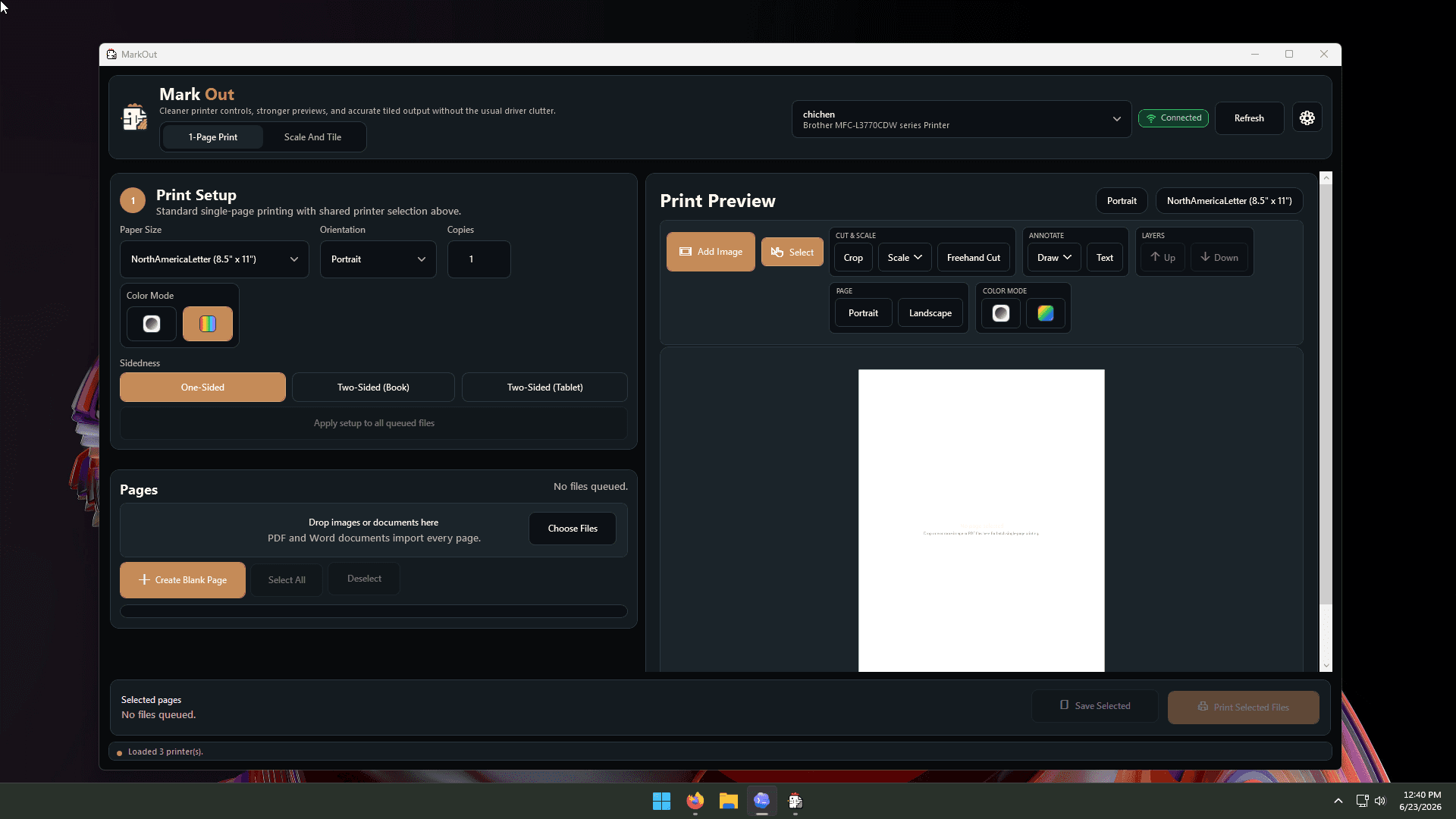
Print photos, PDFs, DOC and DOCX files with paper size, orientation, copies, color, and sidedness together in one clear workflow.
MarkOut combines everyday document and photo printing, precise measurement-based scaling, large tiled templates, page editing, printer calibration, and diagnostics in one focused app.
Print photos, PDFs, DOC and DOCX files with paper size, orientation, copies, color, and sidedness together in one clear workflow.
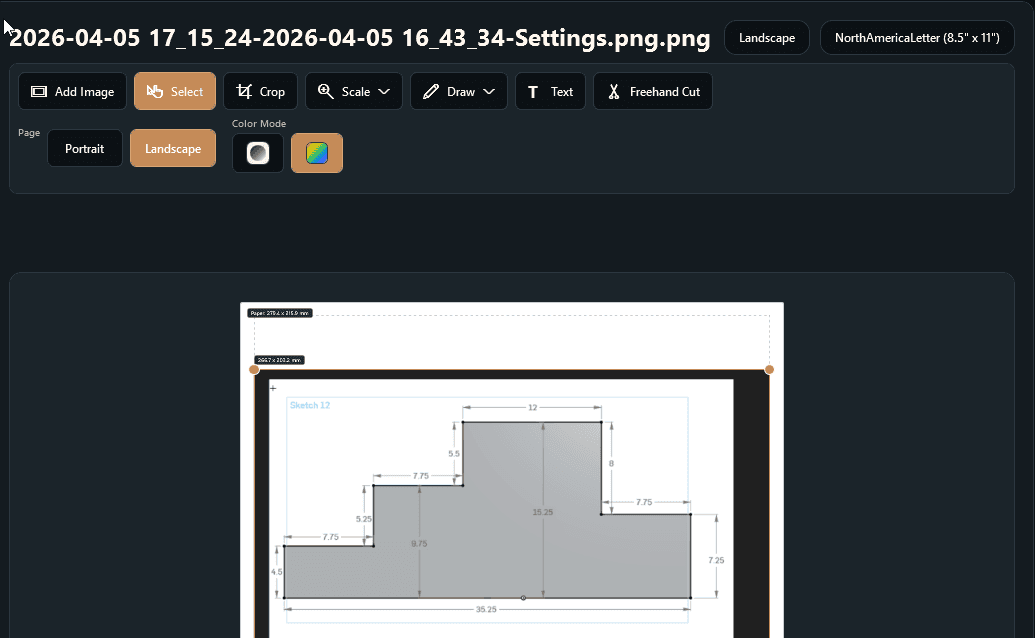
Add and arrange images, crop, draw, add text, cut freehand shapes, reorder layers, and set exact printed dimensions before output.
Mark two known points, enter the real distance in metric or imperial units, and let MarkOut calculate the printed scale.
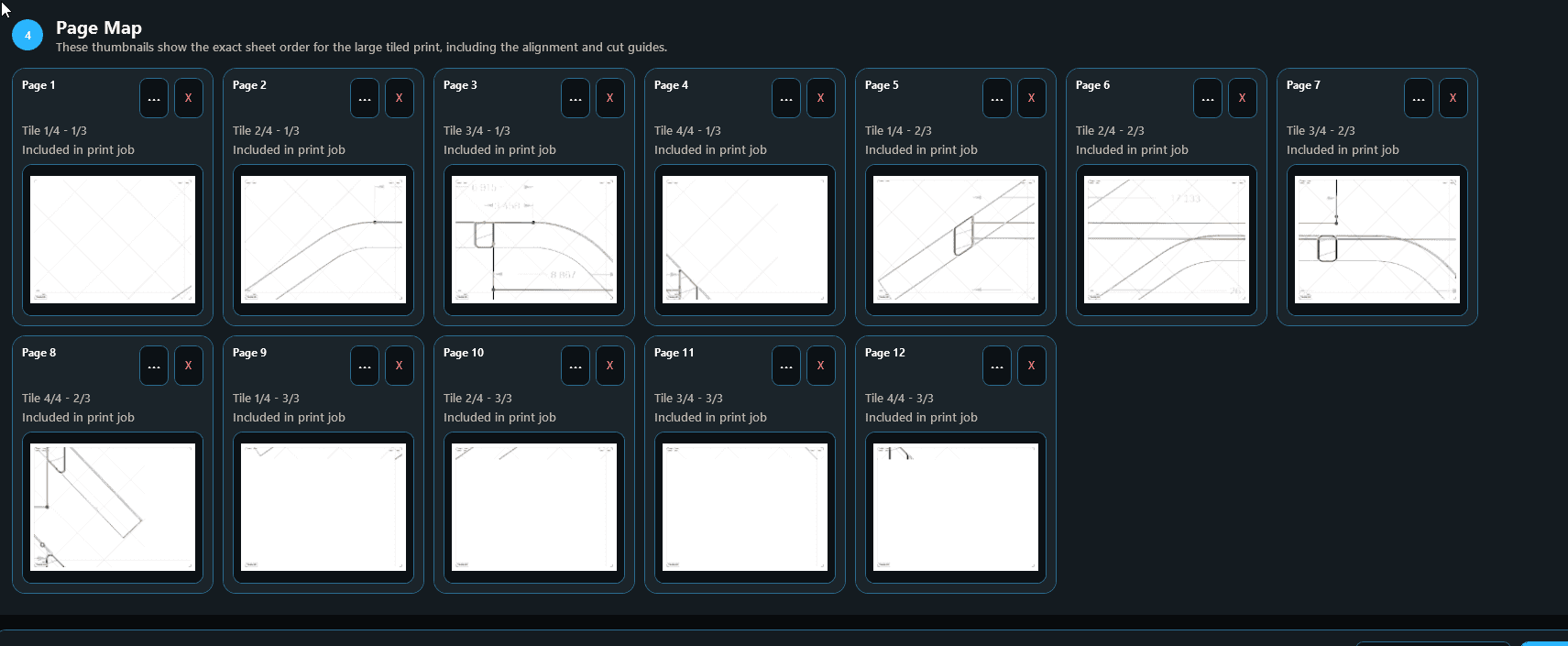
Split oversized plans, patterns, posters, and templates across normal paper with overlap, crop marks, alignment guides, and assembly labels.
Save a preset for each printer and paper size, calibrate with a precise ruler or calipers, and switch printers without rebuilding the setup.
Check the queue, driver, port, network reachability, capabilities, and waiting jobs, then use direct repair shortcuts and rescan.
Import every page from PDF and Word documents with high-resolution previews and fast local caching for files you reopen.
Use low-ink template output, CAD line thinning, photo guides, page maps, landscape or portrait layout, and color or monochrome printing.
Document conversion and print preparation stay on your computer. MarkOut includes its private document runtime and supports two activated PCs.
Add images, PDFs, DOC, or DOCX files and select the pages you need.
Pick a printer preset, paper, scale, layout, color, and sidedness.
Use the sharp preview and Page Map to verify placement and assembly order.
Send selected pages to the printer or save the prepared output for later.
Buy once for the full MarkOut suite, ongoing updates for the current release line, and activation on two computers.